

Claude AI, built by Anthropic, is one of the most talked-about AI tools today, known for its emphasis on safety, 200K token long-context comprehension, and powerful natural language processing. It’s increasingly used in developer workflows (for coding assistance, debugging, documentation) and in business settings (for content creation, data analysis, customer support, etc.). Anthropic now serves 300,000+ business customers, with enterprise products accounting for ~80% of revenue – underscoring Claude’s growing relevance in enterprise AI adoption.
A common question from new users is “Is Claude AI free?” The answer is yes – Anthropic offers a Claude Free plan that anyone can use at no cost. However, the free tier comes with certain limitations in usage and features. For more advanced needs, there are paid plans: Claude Pro and Claude Max, which unlock higher performance and capacity. In this article, we’ll explain Claude AI’s Free vs Pro vs Max plans in detail, comparing what each offers for developers and teams. You’ll learn the differences in model access, token limits, coding tools, and usage quotas – and which plan is best suited for solo developers, startup teams, or enterprise workflows. Let’s dive in.
What the Free Plan Offers
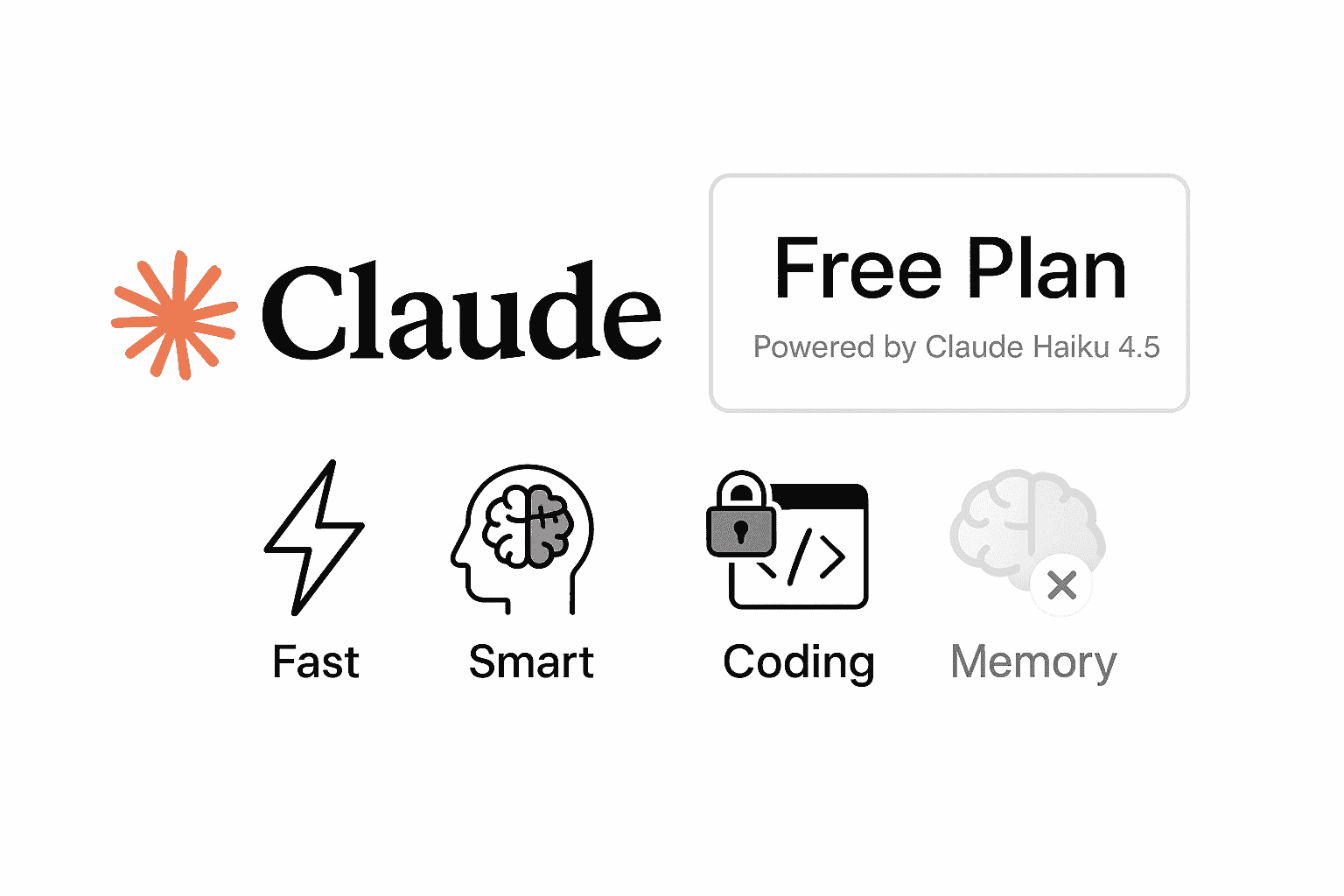
Claude’s Free plan provides a generous taste of Anthropic’s AI capabilities at no cost. As of late 2025, the free tier gives all users access to Claude Haiku 4.5, Anthropic’s latest “small” model that delivers near-frontier-level intelligence. This is a big deal – Claude Haiku 4.5 matches the coding performance of much larger models (like the earlier Claude Sonnet 4) at a fraction of the cost and with twice the speed. In fact, Haiku 4.5 is “largely as smart as Sonnet 4 while being significantly faster and one-third the cost,” according to Anthropic. By making Haiku 4.5 available for free, Anthropic has essentially democratized near-premium AI performance to all Claude.ai users. For developers, this means even the free tier can handle fairly complex coding queries and multi-step problems with surprising competence.
That said, the free plan has important restrictions. Usage is limited by a session-based quota that resets every 5 hours. In practical terms, free users can only send a certain number of messages or prompts in that window before hitting a limit. The exact limit isn’t fixed – it depends on system demand and the complexity of your prompts (longer messages or large file uploads consume your quota faster). To ensure fair access for everyone, Anthropic may also impose dynamic caps during peak times. Many users report the free tier allows roughly 5–10 conversations per day (or around 10–15 prompts in total) before telling you to wait until later. When you reach the cap, Claude will notify you that you’ve hit your usage limit and need to come back after the reset period. Essentially, the free plan is designed for occasional use – it’s great for trying out Claude or doing quick tasks, but not for heavy, continuous workloads.
In addition, the free version lacks certain advanced features. Notably, Claude Code (the integrated coding assistant that can execute code and manage files) is not available on the free plan. Free users can still have Claude generate code snippets or analyze code within the chat, but they won’t be able to run that code or use the special Claude Code interface/terminal integration. The free plan also doesn’t support Claude’s new “memory” feature that retains context across conversations (more on this later) – free chats are stateless outside of each individual conversation. Features like unlimited Projects (for organizing chats and documents) and third-party integrations (e.g. connecting Google Drive or other tools) are also reserved for paid tiers.
On the bright side, the Free plan does include some powerful capabilities. Free users can chat with Claude on the web or mobile apps, use the full 200K token context window for long documents, and even utilize Claude’s built-in web browsing (“Research”) tool for pulling in information from the internet. In short, Claude Free offers a strong baseline AI assistant at $0 cost, featuring the speedy Claude Haiku model and enough tokens to handle sizable prompts. But it comes with strict usage caps and omits the pro-grade coding and memory functions that serious developers might need. For casual coding help or occasional queries, the free plan may suffice – just don’t expect unlimited Q&A or the full power-user toolkit.
Claude Pro Plan Overview
Upgrading to Claude Pro unlocks a much richer feature set suited for daily development work and heavier content creation. The Pro plan costs $20 per month (billed monthly) – or effectively $17/month if you pay $200 annually upfront. So, pricing is similar to competitor offerings like ChatGPT Plus. What do you get for that subscription? In short, everything in the free tier, plus a lot more:
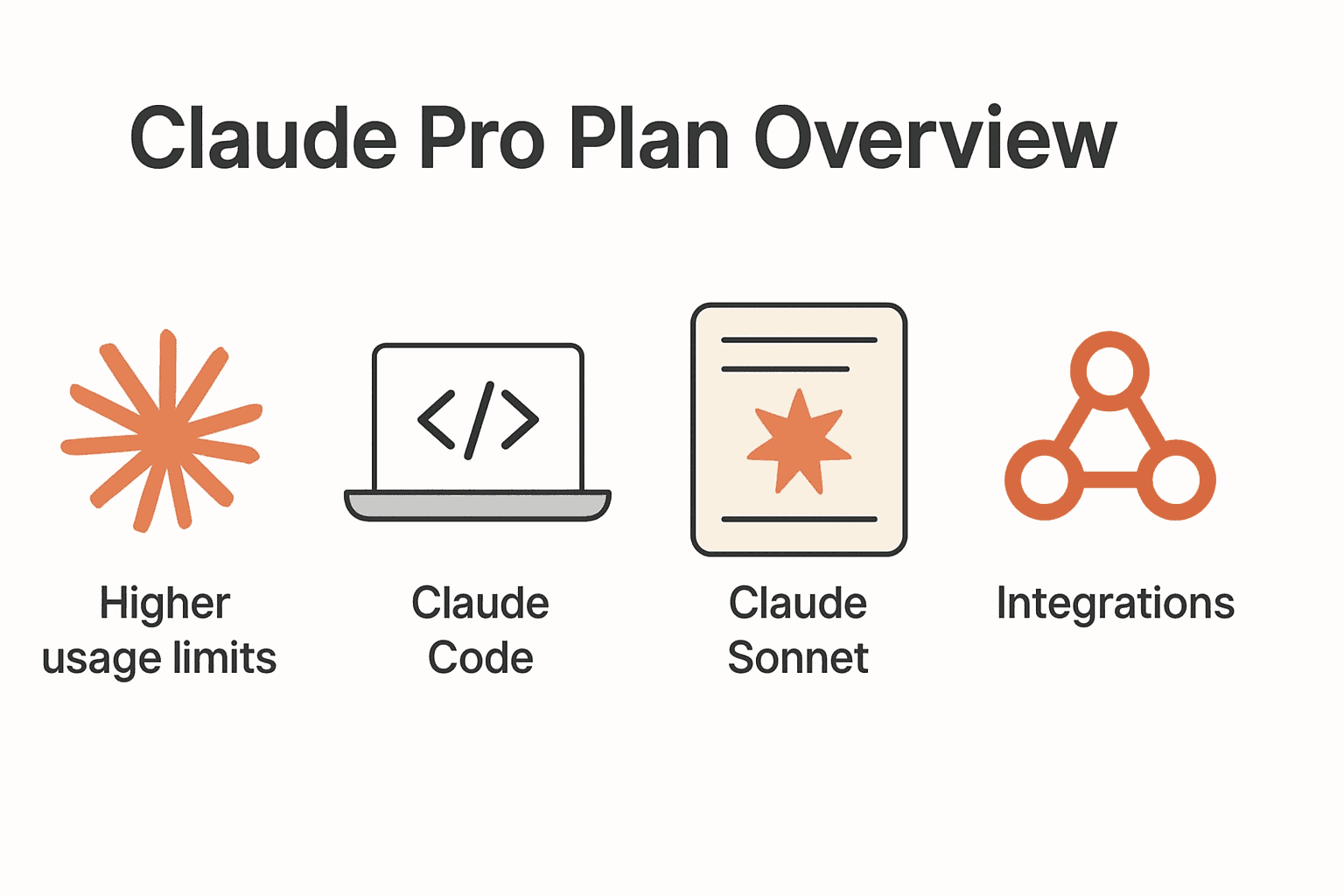
- Higher usage limits: Claude Pro increases your message quotas significantly – at least 5× the usage per 5-hour session compared to free during peak hours. In practice, Pro users can often send around 45 messages in a 5-hour window (roughly 9 messages/hour) under typical conditions. This works out to about 200+ messages per day if spread out, which is plenty for most workflows. Importantly, the Pro plan still uses a 5-hour rolling reset (not one fixed daily limit), so you can often split work into sessions. Anthropic also gives Pro users priority access – meaning even if the service is busy, Pro subscribers’ requests get handled before free users, resulting in faster responses and fewer timeouts under load. For developers on deadlines, this reliability is crucial.
- Access to Claude Code: One of the biggest perks for developers is that Claude Pro includes Claude Code on the web app and in your terminal interface. Claude Code is a specialized mode where Claude can act like a coding co-pilot: you can upload your project files, ask Claude to analyze or modify code, and even execute code in a sandboxed environment. Pro users can create files, run code, visualize data, and debug all within Claude’s interface. There’s also a command-line tool and VS Code integration that lets you use Claude in your IDE. This effectively brings an AI pair-programmer into your development workflow. (By contrast, free users only get the plain chat – no executing code or direct file ops.) If you’re a developer, this feature alone can justify the Pro upgrade, as Anthropic’s Claude Code is a top-tier code generation tool (it reached nearly $1B in annual revenue due to its popularity with dev teams).
- Better model access: The Pro plan lets you use more powerful Claude models beyond the base Haiku. Specifically, Pro subscribers can tap into Claude Sonnet, Anthropic’s larger model known for deeper reasoning and accuracy. (Sonnet models are considered “frontier” models for complex tasks and coding.) In fact, earlier in 2025, the free plan was limited to Claude Sonnet while Pro unlocked Claude Opus. After Haiku 4.5’s launch, the current situation is that free users default to Haiku 4.5, while Pro users can choose models – including Claude 4.5 Sonnet (the latest frontier model for coding) and other variants – via a model selector. Pro does not include Claude Opus (Anthropic’s most advanced model) – Opus is reserved for the higher Max tier – but Sonnet 4.5 itself is extremely capable (it’s billed as “the world’s best coding model” by Anthropic). So, Pro users get the benefit of choosing the right Claude model for the task: e.g. using Haiku for quick responses vs. Sonnet for heavy-duty analysis.
- Unlimited projects & integrations: With Claude Pro, you can organize your work into Projects, each with its own chat threads and knowledge base. The free plan may limit how many projects or files you can have, but Pro offers unlimited projects to compartmentalize different tasks or team collaborations. Pro users also gain access to advanced “Research” tools and connectors. For example, you can connect Claude to your Google Workspace (Docs, Gmail, Calendar) to let it pull in relevant information from your files or emails. Pro (and Max) plans support integrating “any context or tool through connectors” via Anthropic’s remote MCP (Multi-Modal Context Platform). In simpler terms, Claude can be authorized to use external data sources or APIs to augment its answers, which is useful in enterprise scenarios. These integrations and extended context features are not available on the free tier.
- “Extended thinking” and longer sessions: Anthropic advertises that Pro users get extended reasoning capabilities for complex work. In practice, this means Claude can handle longer, more complex conversations without hitting limits as quickly. The context window remains 200K tokens for all plans, but Pro/Max users can utilize it more effectively. For instance, Claude Pro can ingest large files or lengthy transcripts and produce detailed outputs where free might truncate. The output length per response is also higher on paid plans – so Claude can generate longer code blocks or documents for you before needing a continuation. All of this contributes to a smoother experience for intensive tasks like analyzing a 50-page spec or generating a multi-file code diff (where free might run out of steam, Pro can carry through).
In summary, Claude Pro is designed for regular, productive use. It gives individual developers and professionals a robust AI partner with far fewer limitations. You get significantly more usage (roughly five times the free usage, with priority speed), the advanced Claude Code development suite, access to premium models (Sonnet), and various workflow integrations. The only notable things Pro lacks (vs the higher Max tier) are the absolute highest usage levels and a couple of bleeding-edge features (like cross-conversation memory and Claude’s top Opus model). We’ll discuss those next. But for many users – including content creators, analysts, and developers – the $20/mo Claude Pro plan hits a sweet spot, delivering much greater value and productivity than the free tier.
Claude Max Plan Overview
For power users and teams with demanding workloads, Anthropic offers Claude Max – the ultimate individual plan to get “the most out of Claude.” The Max plan includes everything in Pro, and adds substantially higher quotas and early access to Anthropic’s most advanced capabilities. Claude Max is available in two pricing tiers, depending on how much usage you need:
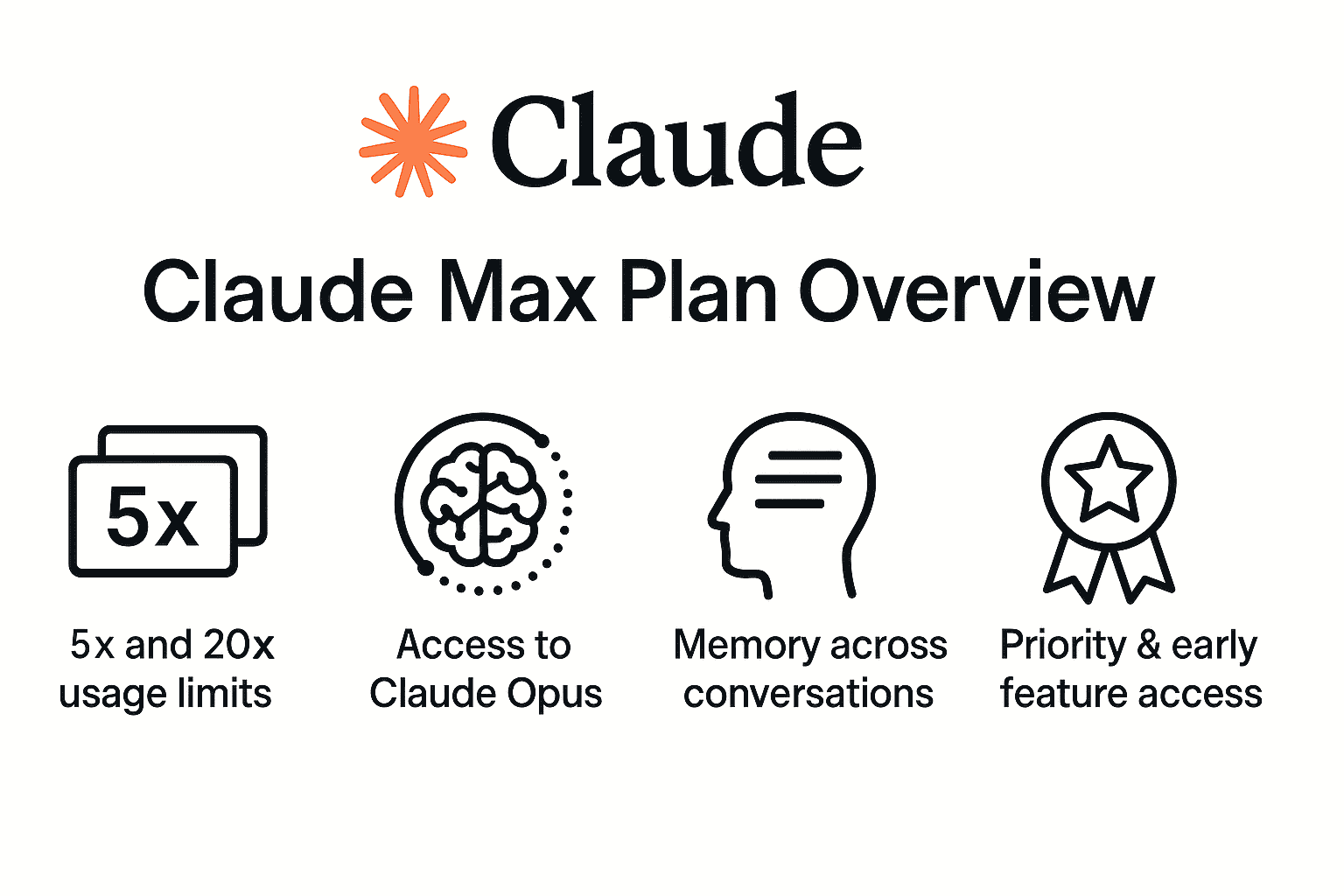
- Claude Max (5×) – Priced at $100 per month per user, this tier provides 5× the usage of the Pro plan. It’s ideal for “frequent users who work with Claude on a variety of tasks” and don’t want to worry about hitting limits.
- Claude Max (20×) – Priced at $200 per month, this option gives a massive 20× the Pro usage capacity. It’s geared toward “daily users who collaborate with Claude for most tasks” and need maximum flexibility. Essentially, Max 20× is for those who use Claude almost constantly throughout the day.
In concrete terms, Claude Max 5× lets you send at least ~225 messages per 5 hours, and Max 20× up to ~900 messages per 5 hours under typical conditions. These are huge allowances – roughly 25 to 100 times what a free user can do in the same period. In practice, very few users will ever bump against the 20× limits (that’s hundreds of prompts every few hours), so Max enables virtually uninterrupted AI sessions. This is perfect if you have tight deadlines or long projects and “can’t wait for usage limits to reset”. Max plan users also get the highest output limits for generation tasks (longer answers, code, or transcripts) – helpful when you need Claude to produce a lengthy report or refactor thousands of lines of code in one go. And like Pro, the limits will reset on a rolling 5-hour basis, with any additional weekly/monthly caps managed fairly to ensure system stability.
Beyond raw usage, Claude Max comes with a few exclusive features:
- Access to Claude Opus: This is a major draw for enterprises and advanced developers. Claude Max (as well as Team/Enterprise plans) allows access to Claude Opus, Anthropic’s most powerful model for complex reasoning. Claude Opus 4.1 (the latest version) is a frontier model geared towards coding, “agentic” tasks (multi-step autonomous agents), and deeply complex queries. It still has the 200K token window, but it’s tuned for superior precision on real-world coding and planning problems. For example, Opus can handle long-horizon tasks with rigorous step-by-step thinking, and excels at large codebase refactoring with 32K-token outputs. Only Max and higher tiers get to use Opus in the Claude app – Pro users do not. This means if you want the absolute best model Anthropic offers (for the toughest challenges like analyzing hundreds of pages of documentation or orchestrating multi-agent workflows), Claude Max is your gateway to Opus. (Note: API developers can also access Opus via the Claude API at usage-based pricing, but that’s outside the scope of the chat plans.)
- “Memory across conversations”: The Max plan introduces Claude’s new persistent memory feature for individuals. While Pro users can manually ask Claude to search past chats, Claude Max takes it further by remembering context across your conversations automatically. With Max, Claude can maintain a “memory” of key details from your chat history and carry that understanding into new chats. For example, if you’ve been working on a project over multiple sessions, Claude Max can recall your objectives, preferences, or previously shared code in subsequent sessions without you re-uploading info. This cross-chat memory is extremely useful for long-running projects and for team knowledge continuity. (Previously, such memory and summary features were only in the Team/Enterprise plans.) Max users essentially get an AI that learns from your past interactions (within limits you control) – making it a more personalized and context-aware assistant over time. Of course, you can disable or reset this memory if needed. The bottom line: Claude Max’s memory feature helps maintain momentum on complex tasks that span multiple chats or weeks of work, a big win for dev teams who revisit projects repeatedly.
- Priority and early feature access: Max subscribers receive first-in-line priority during peak traffic (even ahead of Pro users) and get early access to new Claude features as Anthropic rolls them out. For instance, when Anthropic develops an advanced capability or integration, Max users are often the beta testers before it’s widely released. Earlier in 2025, Anthropic added features like Claude Code, integration connectors, and global web search to the Max plan first. This means Max customers can stay on the cutting edge, which can be a competitive advantage for teams looking to leverage the latest AI improvements (especially in fast-moving fields like AI coding assistants). Max users also benefit from enterprise-grade support responsiveness, ensuring any issues are addressed promptly given their higher stakes usage.
Naturally, Claude Max is a premium offering – at $100-$200/month per person, it targets professionals and organizations that heavily rely on Claude daily. For “power users” who “find themselves turning to Claude throughout the day for various tasks,” Max is designed to “ensure Claude is there at every step” without disruption. Examples include: software engineers pair-programming with Claude all day, data scientists crunching large datasets with Claude’s help, or startup founders using Claude to brainstorm, code, and draft content continuously. If that describes your usage, the Max plan can drastically enhance productivity by removing the usual friction (no more hitting message caps or waiting for resets). It essentially lets you collaborate with Claude as much as needed, on your terms.
To summarize, Claude Max (5×/20×) is the plan for those who need “expanded access for their most important work”. It unlocks the highest performance model (Opus), massively higher quotas (5–20×), memory across chats, and VIP-level access to the Claude platform. Many individual developers won’t require this level, but for teams and heavy users, Max can maintain your momentum on demanding projects with little interruption. Next, let’s compare Free vs Pro vs Max at a glance.
Free vs Pro vs Max: Plan Comparison Table
Claude AI’s individual plans compared (Free, Pro, and Max). The Free tier offers basic Claude access at $0, Pro is a paid plan ($20/mo) with expanded features, and Max is a premium plan ($100–$200/mo) for maximum usage and capabilities. All plans use Claude’s 200K context models, but differ in usage quotas and available features.
For a side-by-side look, here’s a comparison of Claude Free vs Pro vs Max:
| Plan | Cost | Model Access | Usage Limits (approximate) | Key Features & Restrictions |
|---|---|---|---|---|
| Claude Free | $0 (free for everyone) | Claude Haiku 4.5 (fast “near-frontier” model). No access to Claude Sonnet 4.5 or Opus. | Session limit (resets ~5 hours). Limited messages based on demand (roughly ~1× baseline) – e.g. ~9 messages/5hr or ~40/day in short bursts. | – Chat on web, mobile, and desktop apps – Basic coding help (can generate code, but no Claude Code execution environment) – Web search tool (browse the internet for answers) – 200K token context for long inputs (same as paid plans) – No cross-chat memory (context limited to each chat) – No Google/Slack integrations (free is siloed) |
| Claude Pro | $20/month (monthly) or ~$17/month with annual billing | Claude Sonnet 4 / 4.5 (frontier model) plus Claude Haiku. (Opus not included). Choose model per chat. | ~5× Free usage per session. ~45 messages/5hr (if prompts are short), equating to ~200+ messages/day in practice. Priority queuing during peak times (faster responses).Weekly/monthly caps may apply but are higher than Free. | – All Free features, plus… – Claude Code access (on web & CLI): run code, create files, use VS Code plugin. – Unlimited Projects to organize chats/docs. – Extended knowledge & Research tools (e.g. deeper web research mode). – Google Workspace & API connectors (integrate emails, docs, etc.). – “Extended” reasoning for complex tasks (longer outputs, better handling of big files). – Cross-chat search: can ask Claude to recall info from prior chats (manual query). – No persistent memory across chats (must use search). – Lacks Opus model and the extreme usage tier of Max. |
| Claude Max | $100/mo (5×) or $200/mo (20×) per user (month-to-month). | Claude Opus 4.1 (most powerful model), Claude Sonnet, Claude Haiku – all models available. Use Opus for complex tasks. | 5× or 20× Pro usage per session. 5×: ~225 messages/5hr. 20×: ~900 messages/5hr (will rarely hit limit). Highest priority handling – virtually no slowdowns. Can purchase extra usage if somehow needed. | – Everything in Pro, plus… – Claude Opus access for frontier intelligence (great for large codebases, multi-step agent tasks). – Memory across conversations: Claude builds a persistent summary to remember context across chat sessions (your personal knowledge base). – Long outputs: Higher output token limits for lengthy answers or code dumps. – Early feature access: new Claude capabilities, integrations, and beta tools arrive first for Max users. – Priority support & uptime: guaranteed access even at peak load. – Geared to “power users” and team leads; price may be steep for casual use. |
(Note: Anthropic also offers Team and Enterprise plans for organizations, which provide multiple seats, centralized admin controls, shared knowledge bases, and even higher usage on aggregate. Those are beyond the scope of individual Free/Pro/Max comparisons, but we’ll touch on them in recommendations.)
Which Plan is Best For You?
Choosing between Free, Pro, and Max ultimately depends on your usage patterns and who you are. Let’s break down which Claude plan is best for different types of users and teams:
Solo Developers
If you’re an individual developer, the right plan depends on how often you code with AI assistance. For hobbyists or occasional coders, the Free plan might be sufficient to start. It costs nothing and still provides the powerful Claude Haiku model for basic code generation and Q&A. You’ll be able to ask Claude for help with algorithms, get explanations of errors, or generate small code snippets. However, note that free users lack Claude Code’s execution environment – so you’ll have to run any generated code yourself locally. Also, if you only use Claude sparingly (e.g. a few prompts here and there), you likely won’t hit the free tier’s limits and thus can get by without paying.
On the other hand, serious developers or engineering students will quickly find value in Claude Pro. If you’re coding on a daily basis, working on projects, or need AI help in a development workflow, the Pro plan is highly recommended. For $20/month, you unlock the Claude Code features – meaning you can have Claude not just write code, but actually execute it, test it, and refine it in an interactive loop. This is incredibly useful for debugging, data analysis, or verifying that the suggestions work. Pro also grants you unlimited project spaces to organize different coding projects or repositories (free might force everything into one thread, which gets messy). And importantly, Pro’s higher message quota ensures you won’t be cut off in the middle of a coding session – nothing is more frustrating than running out of messages when you’re knee-deep in a bug fix! The priority response time for Pro users is another plus if you’re using Claude alongside you as you code (no waiting around during peak hours). In short, most professional developers or active coders will want at least the Pro plan to fully integrate Claude into their workflow.
Few solo developers will need the Max plan, but there are exceptions. If you are an independent developer who literally uses Claude all day as a pair-programmer – for instance, building a startup prototype single-handedly with Claude’s help – then the Max 5× or 20× could be worth it. Max would remove practically all friction (you’ll never hit a limit) and give you access to the Opus model for the toughest coding challenges. Additionally, the cross-conversation memory in Max might help if you’re juggling multiple projects or long-term context that you want Claude to remember. That said, $100-$200/month is a hefty expense for an individual. In many cases, such heavy users might consider using the Claude API instead, which can be more cost-effective at scale (Anthropic’s developer platform lets you pay per million tokens for usage). But if you prefer the chat interface and want the premium experience, Claude Max can turn Claude into an “AI pair programmer” that’s essentially always available for you. For most solo devs, Pro will suffice; reserve Max for edge cases where your usage is extreme or you absolutely need Opus capabilities in the chat UI.
Startup Teams
For small teams or startups, collaborating with Claude can boost productivity – but you’ll need to decide how to provision it for multiple people. If you’re a startup team of 2–4 developers, one approach is to start with individual Pro accounts for each person. At ~$20 per seat, it’s an affordable way for everyone to get coding assistance, and each member gets their own usage allotment and Claude Code access. Team members can even share project files informally if needed (though not as seamlessly as on a dedicated team plan). This setup works well if your team is small and each person mostly works independently with Claude. It avoids the higher cost of the Team plan until you truly need its features.
However, as soon as you have 5 or more people or you want more centralized management, consider upgrading to the Claude Team plan. The Team plan (under “Claude for Work”) is designed for organizations – it requires a minimum of 5 seats and costs $25/user/month for standard seats (or $30 if month-to-month). Team plans unlock organization-wide benefits: a shared workspace for projects, admin controls, consolidated billing, and enterprise-grade integrations (like connecting Claude with your company’s Slack, Microsoft 365, or custom knowledge bases). For example, with a Team plan your startup could have Claude search across your entire Slack or Google Drive to answer questions using internal data – a powerful feature for onboarding or troubleshooting. Standard Team seats include everything in Pro (all models, projects, 200k context) plus more usage per user (the Team has higher pooled limits). If certain team members need even more, you can assign Premium Team seats ($150/user) which come with Claude Code access and extra usage for those power users. A typical pattern might be: give Premium seats to the core devs who will heavily use Claude for coding, and standard seats to others (PMs, designers, occasional users) who might use Claude for writing or research. The Team plan is best once you’re collaborating heavily and want shared context – e.g., multiple engineers working with the same project knowledge base in Claude, or using Claude to summarize cross-team documents. It also offers admin oversight (you can control data retention, see usage stats, etc.), which is important as your company grows.
In short, startup teams can start on Pro for each user when budgets are tight, but should graduate to Team plans as collaboration needs increase. If your team is doing daily coding with Claude, also evaluate if a couple of Max seats are needed for the heaviest users (though note: a Team plan with Premium seats might cover this, since Premium seats inherently allow more usage and Claude Code). The goal is to ensure no one’s productivity is hindered by usage limits. Many startups report significant velocity gains by integrating Claude (Anthropic claimed a 10% boost in engineering speed in one example), so the cost can often justify itself in output.
Enterprise Workflows
Large enterprises or organizations at scale will usually opt for the Enterprise plan (or at least a Team plan) rather than individual Pro/Max subscriptions. The Claude Enterprise plan is a custom, “contact sales” offering where Anthropic works with your company to provide organization-wide access with enhanced security, compliance, and support. Enterprises get everything in the Team plan, plus important extras like Single Sign-On (SSO), domain-level user management, SCIM provisioning, audit logs for all chats, and custom data retention policies. These features are crucial for meeting corporate IT and regulatory requirements. Enterprise plans also often come with even higher usage allocations (or the ability to negotiate usage packages), and possibly larger context windows if needed (Anthropic lists “enhanced context window” under Enterprise, which could imply options beyond 200K tokens for specialized cases). The Enterprise tier basically transforms Claude from a single-user app into a company-wide AI assistant integrated with your knowledge sources and governance rules. For example, an enterprise could enable Claude to index its entire Confluence wiki or internal databases (via connectors) and let any employee query that through Claude. The AI’s memory features can create persistent knowledge within projects, which is great for cross-department collaboration – and admins can extract those memory logs for auditing or knowledge management.
If you’re an enterprise decision-maker evaluating Claude, you might start by piloting with a few Max or Team seats to prove value, but long-term you’ll want the Enterprise plan for full deployment. The Team vs Enterprise distinction often comes down to scale and compliance: Team is fine for an SMB or mid-sized org that just wants the core features (up to say a few dozen seats), whereas Enterprise is tailored for large orgs with hundreds or thousands of users and strict oversight needs. Pricing for Enterprise is not published (it’s negotiated), but expect volume discounts in exchange for annual commitments, etc. Also, Enterprise customers get the highest level of support and can influence the product roadmap. In summary, if you’re operating at enterprise scale or handling sensitive data, skip individual Pro/Max plans and work with Anthropic on an Enterprise contract.
For enterprise developers and data science teams specifically, one thing to note is API access. Enterprise plans may bundle Claude API credits, or you might choose to use the Claude Developer Platform (API) separately for building AI into your products. The API usage is billed per token and allows even more flexibility (no chat UI limits). Many enterprises use a hybrid: the Claude chat interface (via Enterprise plan) for general employee productivity, and the Claude API for integrating AI into their software stack. Both benefit from Anthropic’s tiered model access – e.g., Opus for the most complex tasks – as allowed by the plan.
Occasional vs. Daily Coding Workloads
It’s also useful to consider your frequency of use. If you have an occasional coding workload – say you code as a hobby or only need AI help a few times a week – the Free plan is an easy choice. It imposes some waiting, but you’re unlikely to exceed its limits if you only ask a handful of questions in each sitting. You can always upgrade later if your usage grows. Start free if you’re unsure; you’ll get a feel for Claude’s capabilities and limitations without any commitment.
If your coding (or content creation) is daily and integral to your job, you should strongly consider a paid plan. Claude Pro is the go-to for daily users who want reliability and more capability. For example, a data analyst who uses Claude to summarize reports and generate Python scripts every day will quickly outstrip the free tier. With Pro, they’ll have a smoother experience and save a lot of time not having to break up tasks or wait out limits. The cost is modest compared to the time saved. Likewise, a developer who pairs with Claude for a couple hours each workday will find Pro’s 5-hour resets and larger quotas far more accommodating to a daily workflow than free’s stop-and-go nature.
For all-day, intensive use (the kind where Claude is effectively working alongside you 8+ hours a day), Max 20× is the only plan that truly fits. This might be the case for a researcher doing an all-day literature review with Claude, or a developer doing an extensive refactor with Claude handling dozens of files – essentially scenarios with continuous prompting. Max ensures you never have to think about quotas. It’s also suited for cases where multiple people might be sharing one AI assistant instance (though officially each user should have their own seat/license; sharing a login isn’t ideal or recommended from a policy standpoint). If you somehow hit the Max plan’s enormous limits, Anthropic even allows purchasing extra usage blocks so you’re never completely blocked. This is why Max is touted for “demanding projects” and those who “maintain momentum” on complex work.
In summary: occasional use = Free, regular daily use = Pro, heavy continuous use = Max. And remember, you can always start free or Pro and upgrade as needed. Anthropic makes it easy to switch plans; for instance, if you find yourself hitting Pro’s limits too often, that’s a sign to move to Max (or to an organizational plan if multiple people are involved).
Real-World Scenarios and Use Cases
To illustrate the differences, let’s consider a few real-world scenarios:
- Solo Developer on a Personal Project (Free vs Pro): Alice is building a small web app on weekends and uses Claude Free to help with coding questions. Initially, Claude Haiku 4.5 on the free plan is great at generating quick code snippets and explaining APIs. But as Alice’s project grows, she wants Claude to analyze her whole codebase and run tests. She upgrades to Claude Pro, gaining Claude Code access. Now she can have Claude directly read her project files, suggest improvements, and even execute code to verify outputs. She also notices she no longer hits the annoying “usage limit reached” messages that she saw on free after long sessions. The Pro plan boosts her productivity and she finishes her app faster.
- Team Collaboration on Documentation (Pro vs Team): BetaCorp is a startup with 5 team members. They’ve been using individual Claude Pro accounts to brainstorm marketing copy and write documentation. One day, they discover Claude can answer questions using their internal docs if those docs are provided. They decide to move to a Team plan so they can create a shared project knowledge base: they upload all their product specs and manuals into a Claude project. Now anyone on the team can ask Claude (in that project) something like “How does Feature X work?” and Claude will pull the answer from their docs. This was possible with Pro individually, but the Team plan lets them share the context easily and ensures all members have access. They also set up the Slack and Google Drive connectors, so Claude can search their Slack threads and Google Docs for relevant info – a huge time-saver for support and onboarding. BetaCorp’s developers still get Claude Code on their premium seats, while other team members use standard seats just for Q&A and writing. The coordination and knowledge-sharing made possible by the Team plan is a game-changer for them.
- Enterprise Coding Workflow (Team/Enterprise vs Max): Gamma Inc. has a large software engineering department. They initially gave a few engineers Claude Max accounts to pioneer AI pair programming. Those engineers loved the capabilities – using Claude Opus to handle massive refactoring tasks and generate code across their monorepo. However, managing separate Max subscriptions became cumbersome, and company security wanted oversight of data going into Claude. Gamma Inc. negotiated an Enterprise plan with Anthropic. Now they have enterprise-grade Claude access: developers authenticate via SSO, all chat data is logged for compliance, and they have control over where Claude can connect (they integrated it with their private GitHub and Confluence, but disabled external web access for confidentiality). They also set an organization-wide usage pool so no single user can accidentally overuse the system. The result is an AI coding assistant available to every developer at Gamma Inc., with guardrails in place. In this case, an Enterprise plan made more sense than many separate Max accounts, even though cost-wise it’s significant – the ROI is seen in consistent, organization-wide productivity gains and controlled risk.
- Daily Data Analysis (Free vs Pro vs Max): Dana is a data analyst who uses Claude to crunch numbers and generate reports. On the free plan, she could summarize one report at a time, but had to break large analyses into chunks due to limits. She upgraded to Pro and can now upload a 100-page CSV and have Claude Sonnet summarize insights in one go, thanks to higher limits and better model performance. On Pro, she also uses Claude’s “Research” web browsing to pull public data into her analysis, which free had but Pro handles more extensively. As her company grows, Dana finds herself using Claude for hours each day across multiple projects. She pushes for a Max plan because occasionally she’d hit the weekly cap on Pro when tackling very data-heavy tasks. With Claude Max, she never has to stop – even if she runs a 2-hour interactive analysis session, Claude’s there. The cross-chat memory helps too: Claude remembers Dana’s preferred metrics and style from previous chats, which makes its analysis more tailored over time. Dana’s workflow shows how a user can evolve from Free → Pro → Max as their reliance on Claude increases.
These scenarios highlight how different plans fit different needs. Many users start on Free or Pro for individual productivity, and then scale up to Max or team-oriented plans as their usage intensifies or as collaboration becomes important.
Final Recommendation: When to Start Free, When to Upgrade
In conclusion, Claude AI offers a free tier that’s surprisingly capable, giving everyone a chance to experience AI assistance without cost. Developers and small teams should absolutely take advantage of the Free plan to pilot Claude in their workflows. If you find the free plan’s limitations holding you back – e.g. you’re hitting usage caps frequently, or you need features like code execution – that’s a clear sign to upgrade to Pro. At ~$20 a month, Claude Pro provides a significant boost in power and is generally the best value for individual professionals. It’s the plan we recommend for most solo developers, content creators, and daily business users who want to make Claude part of their routine. Pro strikes the right balance between cost and capabilities, offering Claude’s best models (Sonnet) and tools in a package designed for regular use.
If your needs are modest or you’re just exploring, start with Free and only pay once you’re convinced. But if you’re a heavy user from the get-go – say you know you’ll be using Claude for hours each day – it might be worth jumping straight to Max. Claude Max is essentially “Claude Pro on steroids”, removing almost all friction. It’s expensive, yes, but for a developer who values time at, say, $50-$100/hour, even one extra hour of productivity gained per month could justify the cost. Max also makes sense to upgrade temporarily during crunch periods: for example, if you have a critical project or a hackathon week where you need Claude nonstop, you could use Max for that month and then downgrade later. Anthropic allows monthly changes, giving you flexibility.
For teams and businesses, consider the Team plan once you have a group of users – especially if you want shared knowledge and administrative control. And for large-scale deployment, the Enterprise plan will be the endgame for robust security and org-wide enablement. One strategy is to start with a few Pro or Max licenses in one department, demonstrate the value, and then expand to a Team/Enterprise arrangement for the whole company. Many organizations follow this path: free trial → pro users → team pilot → enterprise rollout, to ensure Claude meets their needs at each level.
To wrap up, here’s a quick rule of thumb:
- Start Free – if you’re just testing Claude or have light, infrequent tasks. It answers the question “Is Claude AI free?” with a resounding yes – and free might be all you need for occasional assistance.
- Go Pro – if you find yourself using Claude more than a couple times a week, or if you’re a developer who wants the coding integration. Claude Pro is the sweet spot for everyday productivity with AI.
- Upgrade to Max – if you are hitting Pro’s limits or require the highest performance (Opus model) and memory features. Max is for those who live in Claude or rely on it for the majority of their work hours.
- Team/Enterprise – if you have multiple colleagues using Claude, need collaboration features, or must satisfy corporate IT requirements. It’s the route to bring Claude to your whole team in a managed way.
By understanding these plans, developers and teams can make an informed choice. Whether you’re a lone coder wondering if Claude AI is truly free (it is, with caveats) or a CTO deciding between Claude free vs paid deployments, the key is matching the plan to your usage. Start with what fits today, and know that you can always scale up as Claude becomes an indispensable part of your toolkit. With the right plan in place, Claude AI can significantly enhance your development and business workflows – from writing code and fixing bugs to brainstorming ideas and automating documentation – all while fitting your budget and needs. Claude AI’s pricing explained in this article should give you the confidence to choose a plan and get the most out of this powerful AI assistant. Happy coding (and chatting)!